Soccer Substitution Tracker: How to Track Subs & Playing Time
A soccer substitution tracker is a tool that automatically records every player substitution during a game, calculates playing time per player, and helps coaches ensure fair rotation. The best substitution trackers run on a phone, require just two taps to make a sub, and generate post-game reports showing exactly how many minutes each player played.
Managing substitutions during a youth soccer game is one of the hardest parts of coaching. You're watching the field, communicating with players, and trying to remember who's been on the bench the longest — all at the same time. A digital substitution tracker takes that mental burden off your shoulders.
The Problem with Paper and Memory
Most youth coaches start with a clipboard or a mental list. But games move fast. By the second half, it's easy to lose track of who's played how many minutes. The result? Some kids play the whole game while others sit on the bench feeling forgotten.
Paper-based tracking is also fragile — a gust of wind, a rain shower, or a distracted moment can wipe out your notes. And after the game, those scribbled times rarely get saved for future reference.
What a Digital Sub Tracker Does
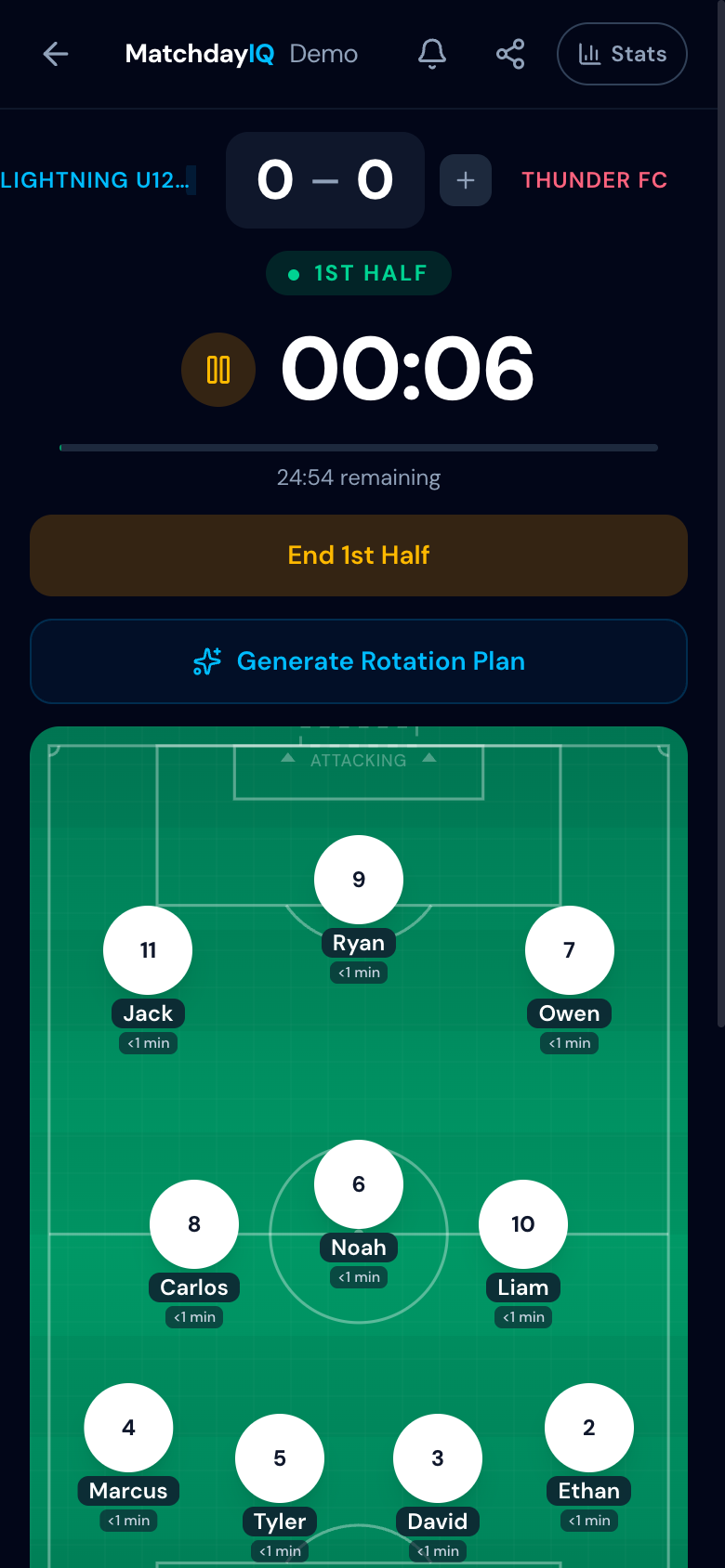
A substitution tracker app records every sub automatically with timestamps. You can see at a glance who's been on the field, who's waiting, and how long each player has played. Key benefits include:
- +Automatic time tracking — no manual stopwatch or notes
- +Visual bench alerts when a player has waited too long
- +Post-game playing time reports for transparency with parents
- +Season-long stats to spot trends in rotation patterns
Tips for Effective Sub Management
Whether you use an app or not, these principles help ensure fair and effective substitutions:
- 1.Plan your rotation before the game — decide sub windows in advance
- 2.Sub in natural breaks (goal kicks, throw-ins) to minimize disruption
- 3.Communicate clearly — tell players their next sub window so they're ready
- 4.Review playing time after each game and adjust for the next one
How MatchdayIQ Helps
MatchdayIQ is built specifically for youth soccer coaches. Substitutions are two taps — tap the player coming off, tap the player going in. When you select a player to sub out, the bench automatically reorders to show the best positional fit first, with green and amber indicators showing exact and group matches. The app tracks every second automatically, alerts you when someone has been on the bench too long, and generates post-game reports so parents can see exactly how much time their child played.
Ready to simplify your sub management?